Built for the crews who actually swing the hammers.
The office app for people who don't sit at a desk. Photos, evidence, customer updates — from the truck, the site, the lift, the ladder.
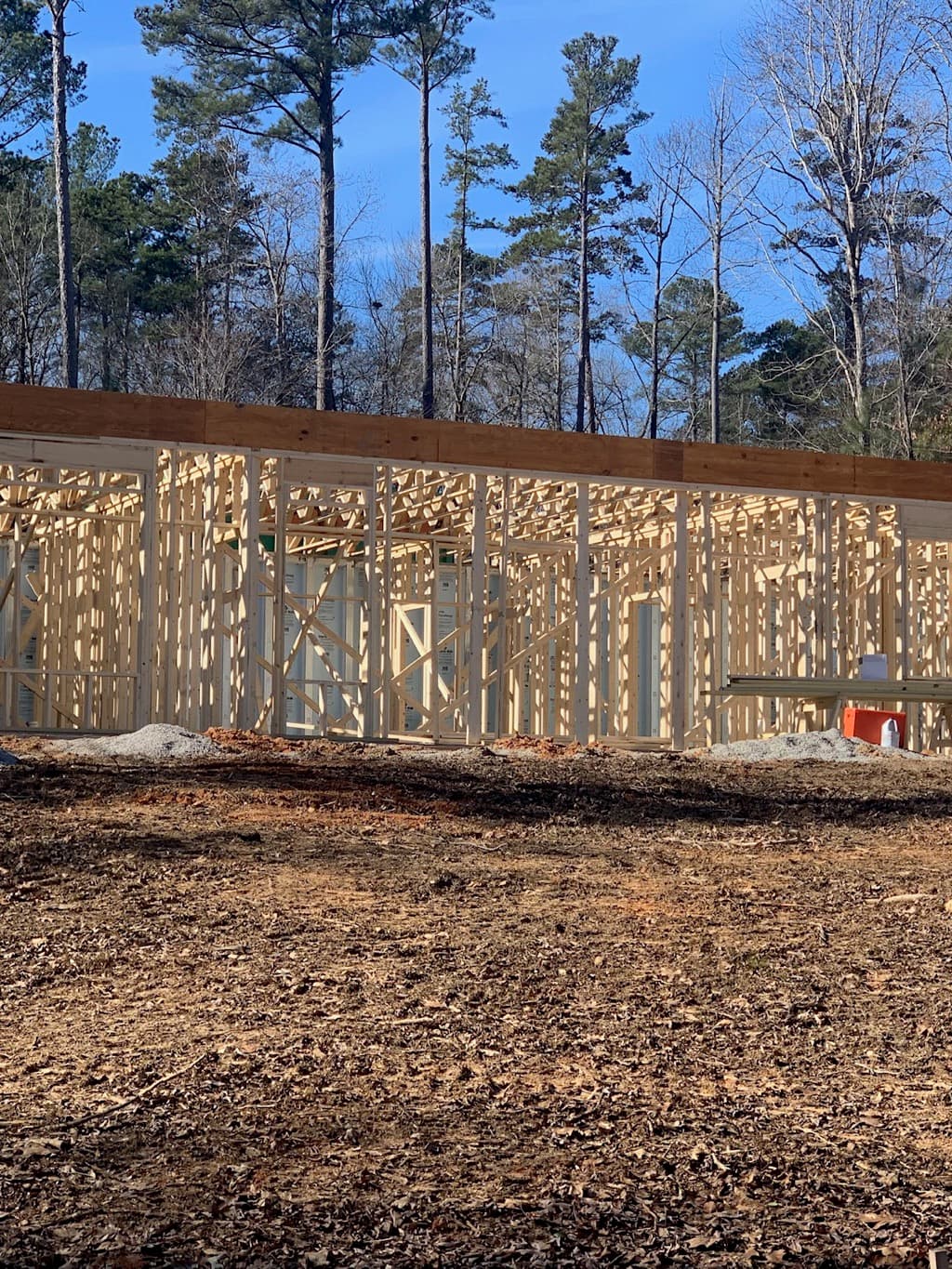
What Field actually does for your business.
Show what you actually built.
The job's done. The photos are scattered across three phones. Field pulls them into a portfolio the customer will brag about.


Prove what happened, when it happened.
GPS, timestamp, crew sign-in, weather — baked into every shot. Lawyer-ready before you knew you'd need a lawyer.
Lot 279:42a64°FJMUpdate the customer without lifting a finger.
Snap a photo, customer sees it in their portal, with caption and location. Your phone stays in your pocket the rest of the day.
From the truck cab to the customer's portal in 30 seconds.
One tap captures the photo. The app does everything that used to take you ten minutes at the end of the day — and your customer sees the update before you've put the phone back in your pocket.
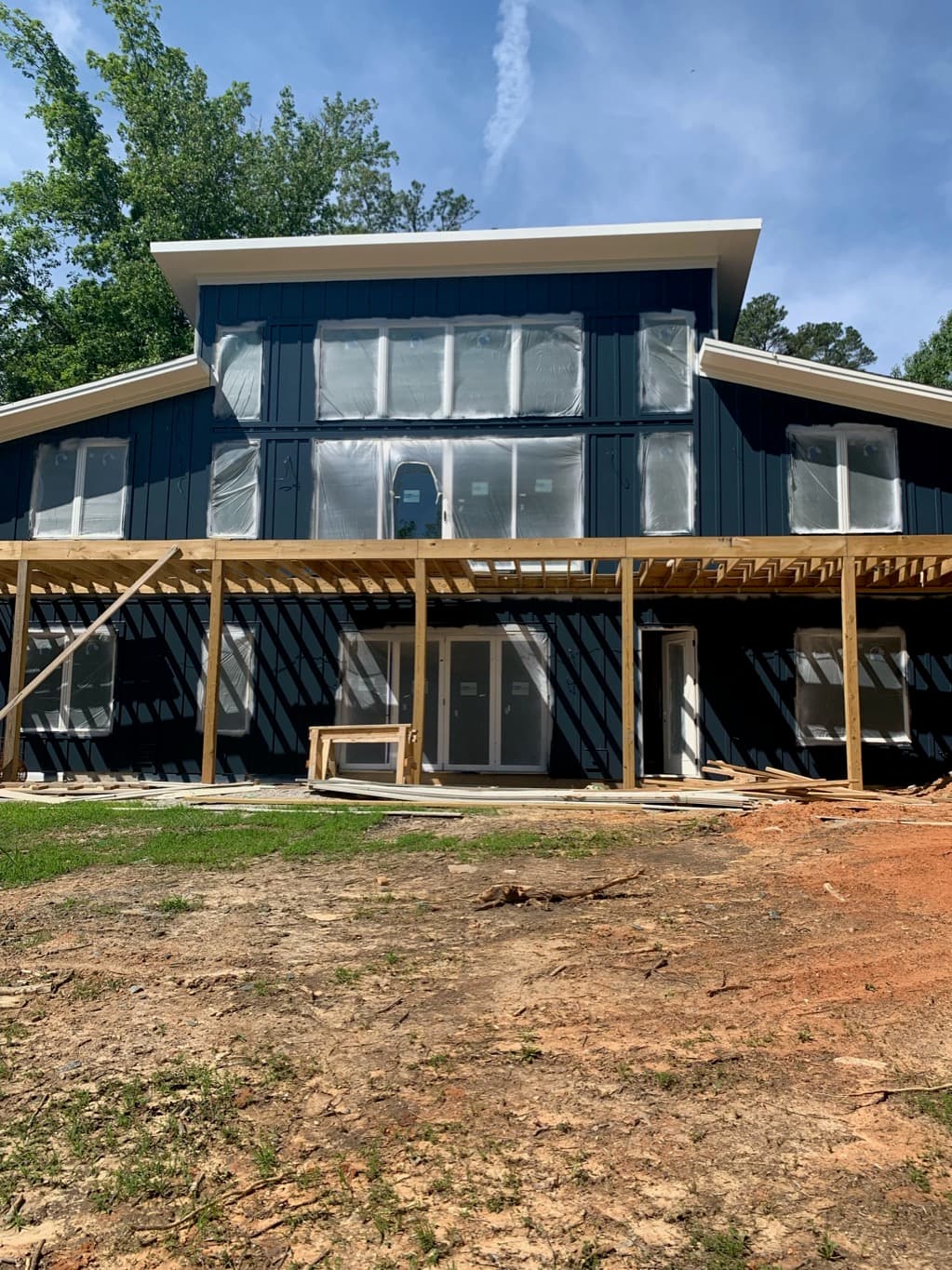
Captures land where the work lives.
Communication threads pull the field updates in automatically. File Cabinet auto-files the artifacts by project, phase, and date — so your office finds them in five seconds, six months later.
Added 12 photos · framing inspection
Auto-tagged: framing · interior partitions
👍 Looking good, send the cavity shots when you can
Photos are table stakes. Field does the other six things
you wish your camera app could.
Narrate the job while you film it.
Back cam captures the work. Front cam captures you explaining it. Customer hears your voice, sees what you're pointing at — like you walked them through in person.
 REC 0:14
Snap. Field tags it with project, phase, GPS, weather, and crew. Six months later your office finds it in five seconds.
Walk through the work, capture the noise a still photo can't. Up to 4K. Auto-compressed for the customer portal.
Circle the defect. Arrow the corner. Type the spec callout. Annotated copy saves alongside the original.
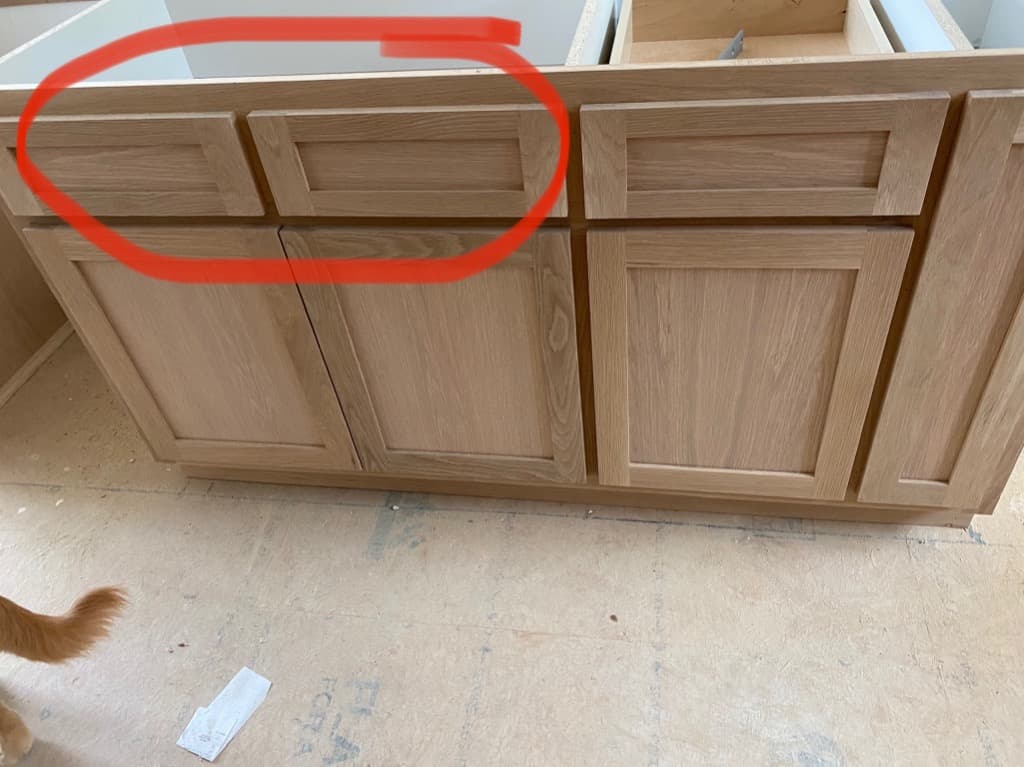
Snap a delivery slip or permit. Field auto-crops, OCRs, and codes it to the right project + phase.
Hands busy with a circular saw. Hit record, talk. AI drops a transcript on the project log + flags any action items.
Who was on site, when they arrived, what the weather was. Auto-logged on every job, every day.
The three back-charges that didn't stick.
he framing business runs on memory and good faith — until a GC needs to back-charge a defect, and suddenly nobody remembers exactly what your crew did or didn't do. Three times last year a GC tried to back-charge Mike Halloran's framing for damage his crew was nowhere near. Three times he opened Field, pulled the GPS-stamped, weather-stamped, crew-stamped wall-cavity photos from that exact day, and the back-charge died on the spot.
That's not a feature. That's evidence. Field auto-collects it so you don't have to think about it — until the day you need it.
Three back-charges. Three wall-cavity shots. Three resolved without a phone call.
They never had to ask “any updates?” again.
Whether your customer is the homeowner who hired you or the GC who subs to you, Field auto-posts the day's progress where they expect it. Photos. Captions. Location pins. Daily summary. No phone calls.
Day 3 of wall framing complete. Interior partitions framed and braced.
Riverbend · Lot 27I'm framing four houses at once for three different GCs. Before Field, I had three group chats and a photos app full of stuff nobody could find. Now every shot is on the right job before I put the phone down — and the GCs see my updates before they email me.
Field is one part
of the jobsite stack.
Same project. Same crew. Same customer. The mobile app captures, the documentation page details every capture type, the client portal is where it lands.
One-handed.
Built for the truck cab.
iOS and Android. Fast capture. Works in low signal. Designed for one-handed use, not a clean office chair.
The capability surface, in detail.
Dual camera, annotation tools, doc scanning, voice transcription — the full spec sheet for the photo + evidence stack.
Where the customer sees your work.
Auto-posts from Field land in the customer's portal — homeowner OR GC. Captions, photos, location pins, daily summaries.
Get out of the photos app.
Into a project log.
14 days free. No card. Your photos, files, and customer updates all auto-filed by project from day one.
Start the 14-day trial Watch the demo →